
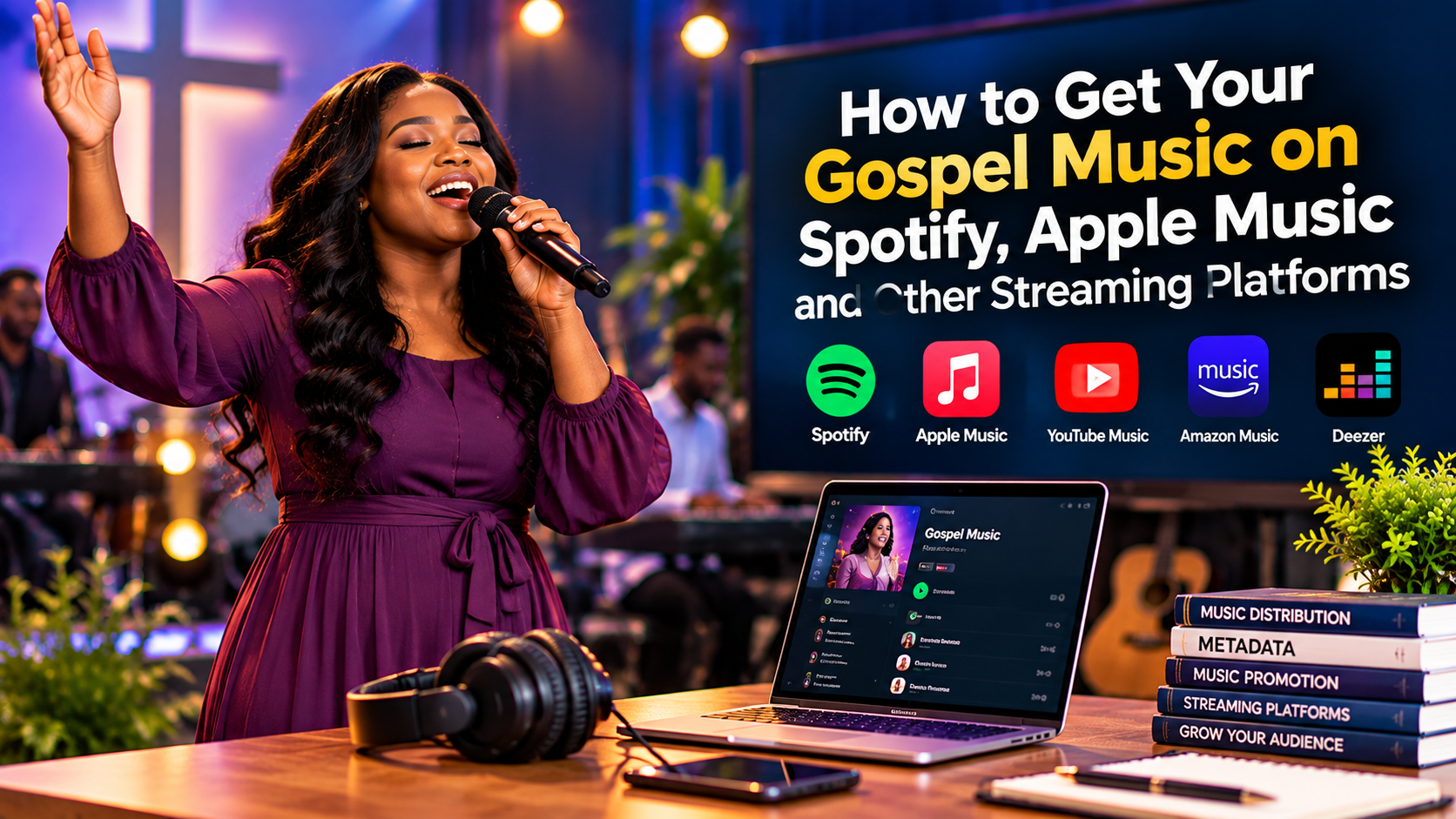
How to Get Your Gospel Music on Spotify, Apple Music, and Other Streaming Platforms
How to Get Your Gospel Music on Spotify, Apple Music, and Other Streaming Platforms
Releasing gospel music is an exciting step for any Christian musician. Whether you are a worship leader, songwriter, choir member, or independent gospel artist, sharing your music with listeners beyond your immediate community can open new opportunities for your ministry.
In the past, independent musicians often depended on record labels to distribute their songs. Today, digital music distribution services make it possible for artists to deliver their recordings to popular streaming platforms without signing a traditional record deal.
However, getting your gospel music onto streaming platforms involves more than uploading an audio file. You need a properly prepared recording, accurate song information, suitable cover artwork, a reliable distributor, and a plan for promoting your release.
This guide explains how independent gospel artists can prepare, distribute, and promote their music on Spotify, Apple Music, and other digital platforms.
1. Prepare Your Song for Digital Distribution
Before choosing a music distributor, make sure your song is ready for release.
Start with a finished recording that has been professionally mixed and mastered to an appropriate standard. Your vocals should be clear, the instruments should be balanced, and the final audio should not contain unintended noise, clipping, or unfinished sections.
Listen to the complete recording on different devices, including headphones, a phone, and speakers. If possible, ask a trusted musician or sound engineer to review it before submission.
You should also confirm that you have the necessary rights to distribute the recording. If you used a producer, instrumentalist, songwriter, sample, or backing track created by someone else, check the relevant agreements and permissions.
Keep your final audio master, lyrics, songwriter information, and production details organised. Having these materials ready can make the distribution process easier.
2. Choose a Digital Music Distributor
Most independent artists use a digital music distributor to deliver their recordings to streaming services.
A distributor acts as an intermediary between the artist and platforms such as Spotify, Apple Music, Deezer, and other digital music stores. Depending on the distributor and the selected service, it may also deliver music to additional platforms.
Examples of distributors include Amuse, DistroKid, TuneCore, and CD Baby. Their fees, available features, royalty arrangements, release options, and terms differ, so compare their current conditions before choosing one.
When evaluating a distributor, consider the following questions:
- What does it cost to release a single or an album?
- Is there an annual subscription or a one-time fee?
- What percentage of royalties, if any, does the distributor retain?
- What happens to your music if you cancel your subscription?
- Which streaming platforms and territories are supported?
- Can you correct song metadata after submission?
- What support is available if a release is delayed or rejected?
Do not choose a distributor solely because it promises to deliver music to many platforms. Read its terms carefully and select a service that suits your budget and release plans.
A record label is not necessarily required to distribute your gospel music. Many independent artists can manage their own releases through a distributor.
3. Create Your Artist Account on Streaming Platforms
Uploading music and managing your artist profile are two different activities.
For example, Spotify for Artists allows eligible artists and their authorised representatives to manage their Spotify artist presence, access audience insights, and update supported profile features.
Apple Music for Artists provides similar artist-focused tools for monitoring performance and managing supported profile information.
Your distributor may provide instructions for claiming or accessing your artist profile after your music has been delivered to the relevant platform.
Use your correct artist name when submitting your music. If another artist has a similar name, review the available artist profiles carefully to reduce the risk of your song being assigned to the wrong page.
Once your music is live, follow the platform’s official instructions to claim your profile. Use only the official websites and applications, and never share your account password with someone who claims they can guarantee streams or playlist placement.
4. Enter Accurate Song Information
Metadata is the information attached to your music release. It helps streaming platforms identify and display your song correctly.
Typical metadata includes:
- Song title.
- Artist name.
- Featured artists, where applicable.
- Songwriters and composers.
- Producer and other required credits.
- Release date.
- Language and genre.
- Explicit-content information, where applicable.
- Copyright and recording-rights information.
Check every field before submitting your release. A small spelling mistake can cause confusion, particularly if your artist name or song title differs from the information used elsewhere.
Use the same spelling of your artist name across releases unless there is a legitimate reason for a change. Do not add promotional slogans, website addresses, or unrelated phrases to the song title.
If you discover an error after submission, contact your distributor and follow its correction process.
Accurate information supports professional presentation and helps ensure that your music is properly identified.
5. Prepare Suitable Cover Artwork
Your cover artwork is often the first visual element people notice when they discover your song.
Create artwork that represents the music and is appropriate for digital distribution. Follow your distributor’s current image specifications rather than relying on an old requirement or a random image size.
A professional cover should generally have a clear composition, readable text where text is permitted, and an image that remains recognisable at small sizes.
Use your artist name and song title accurately. Avoid adding streaming-platform logos, misleading promotional claims, website addresses, or unrelated inform

Leave a Reply